
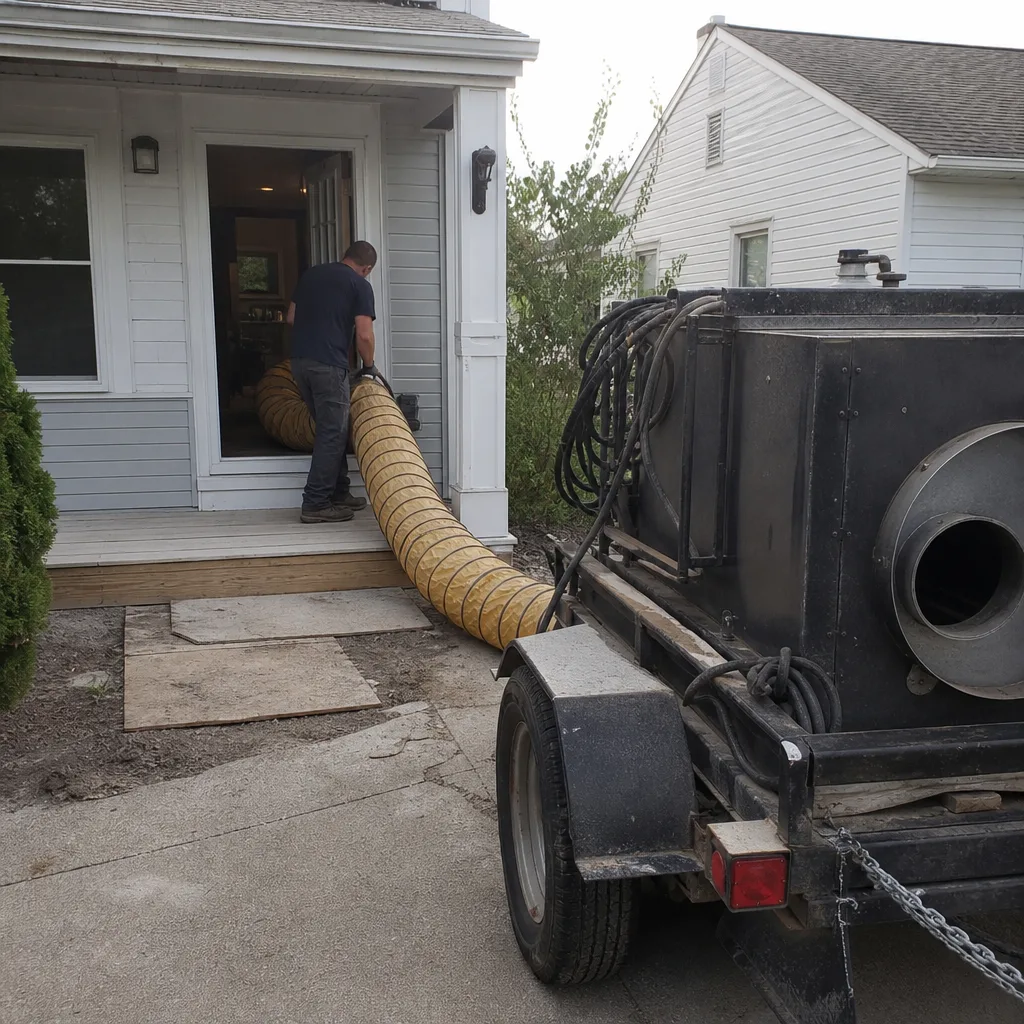
Last updated November 15, 2026
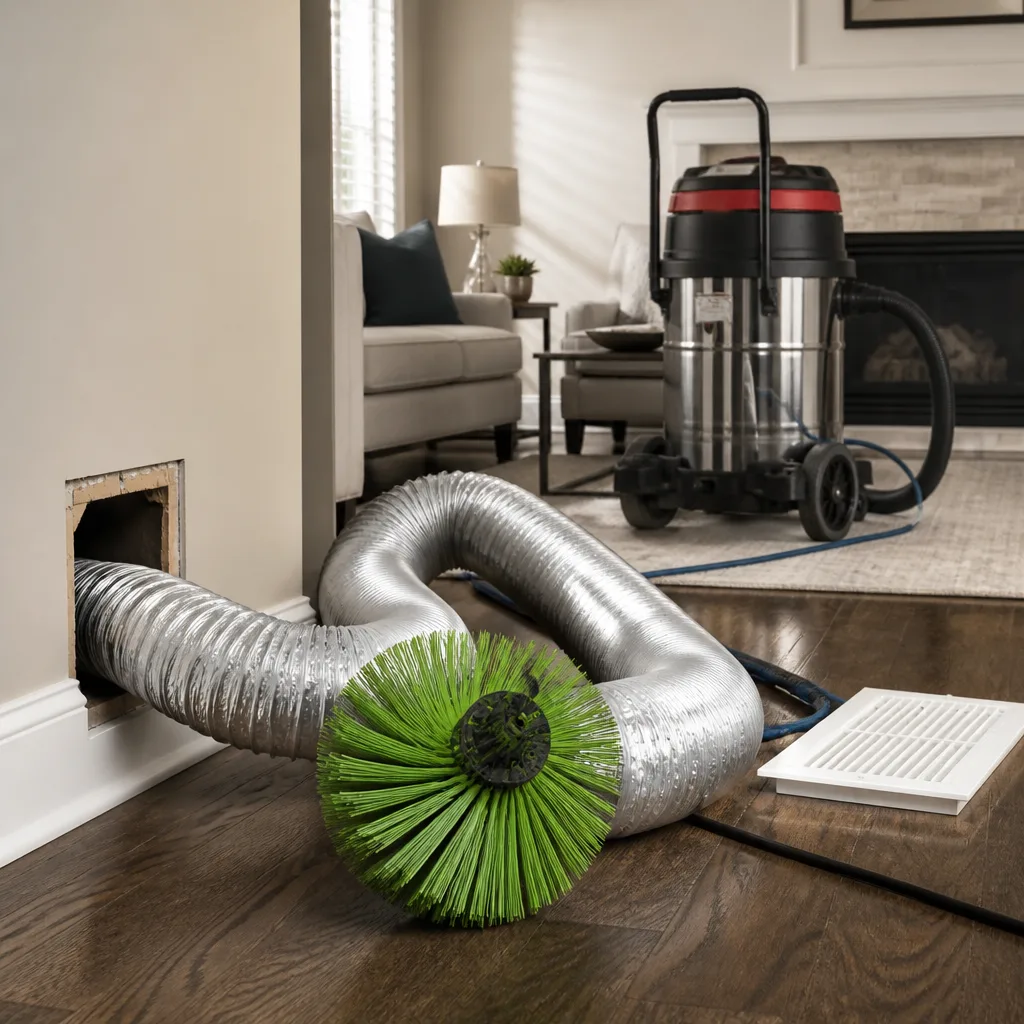 Whole-home duct cleaning
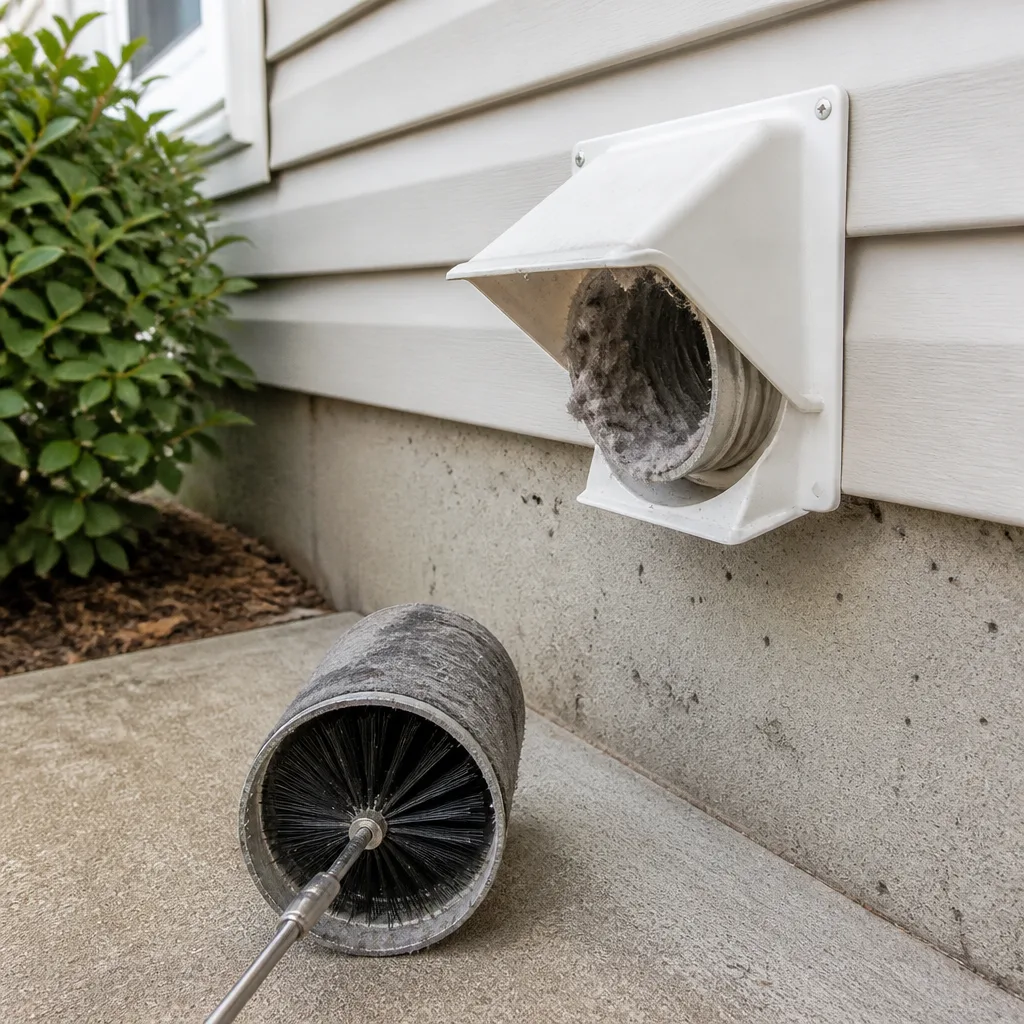 Dryer vent cleaning
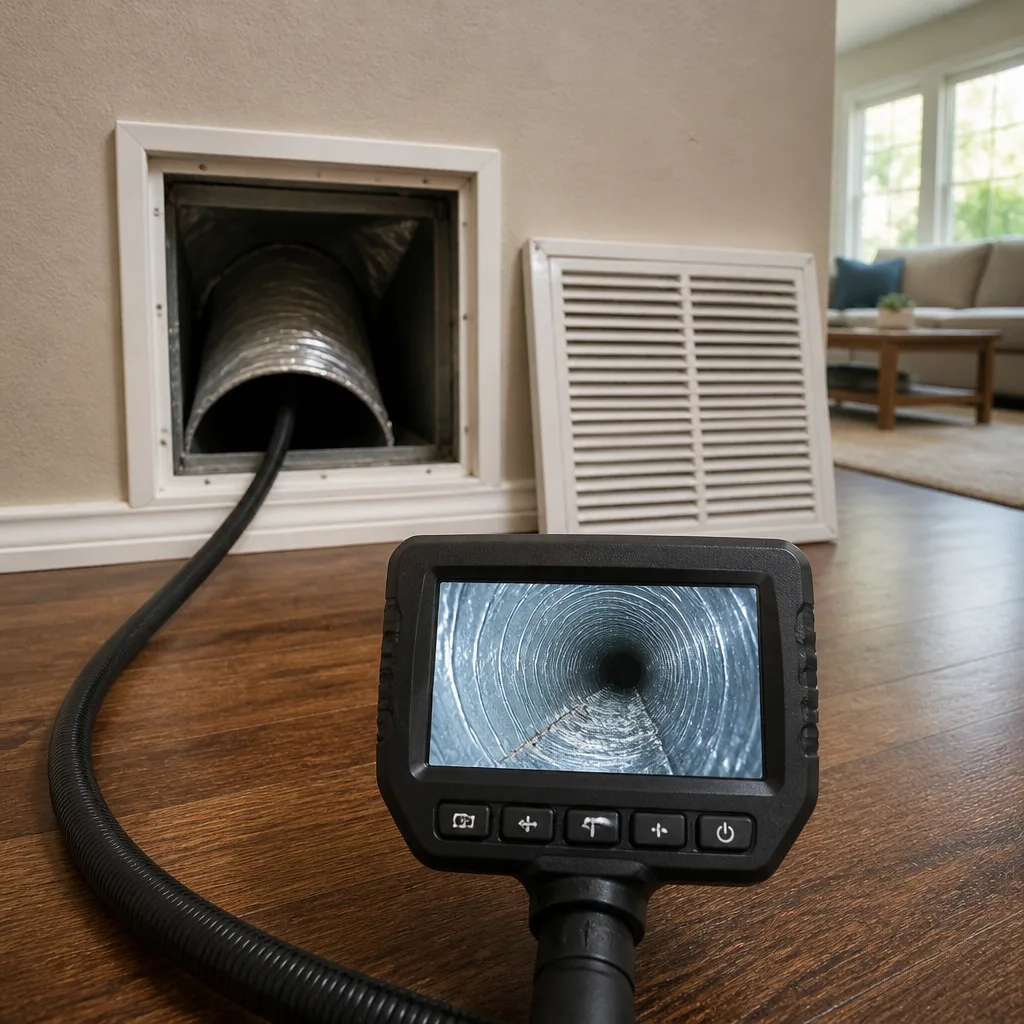 Camera inspection
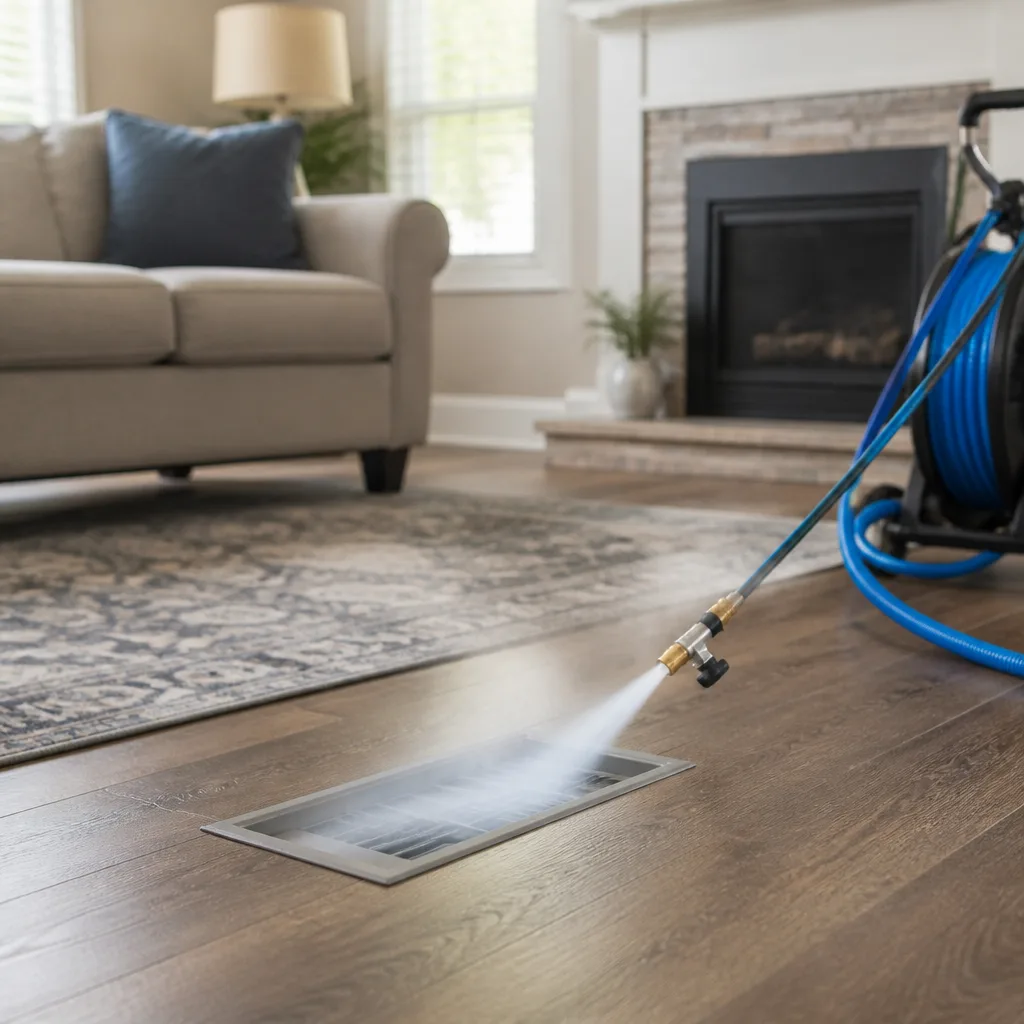 Sanitizing & deodorizing
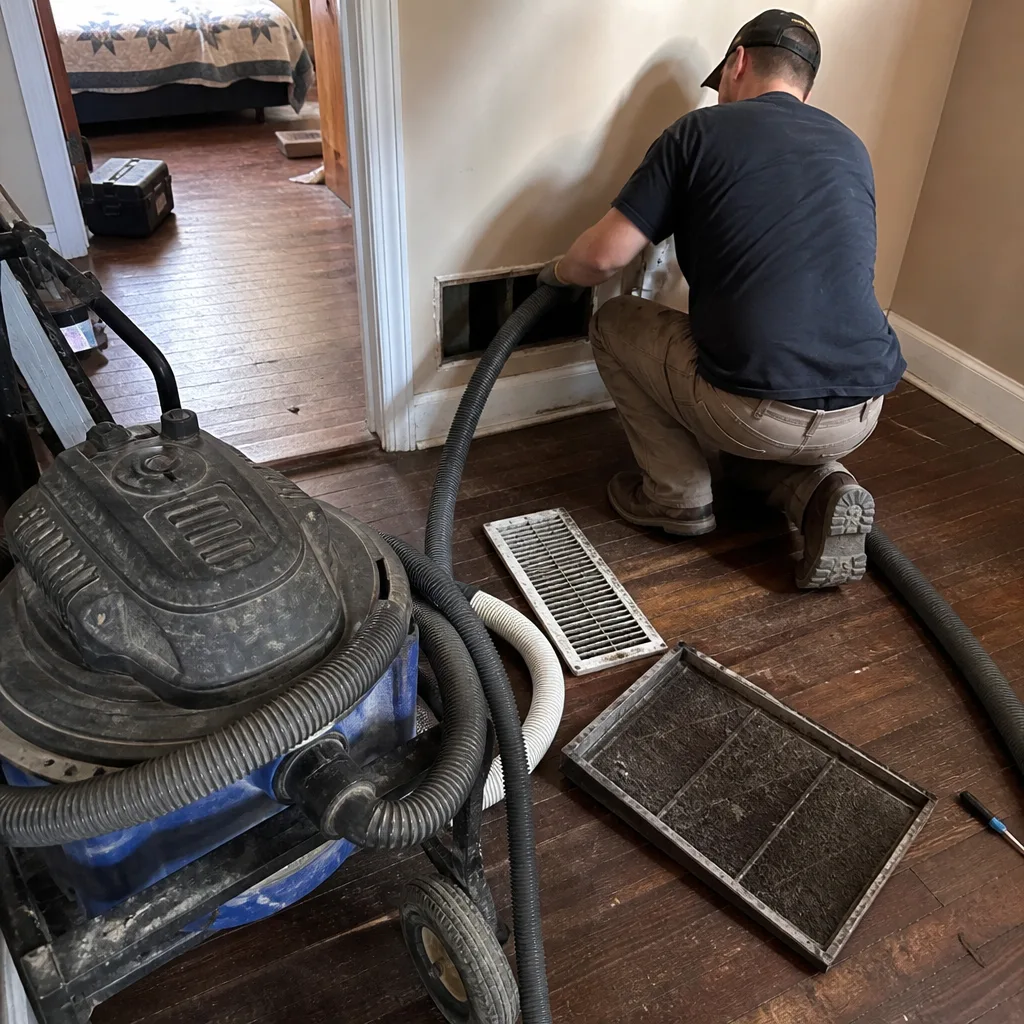
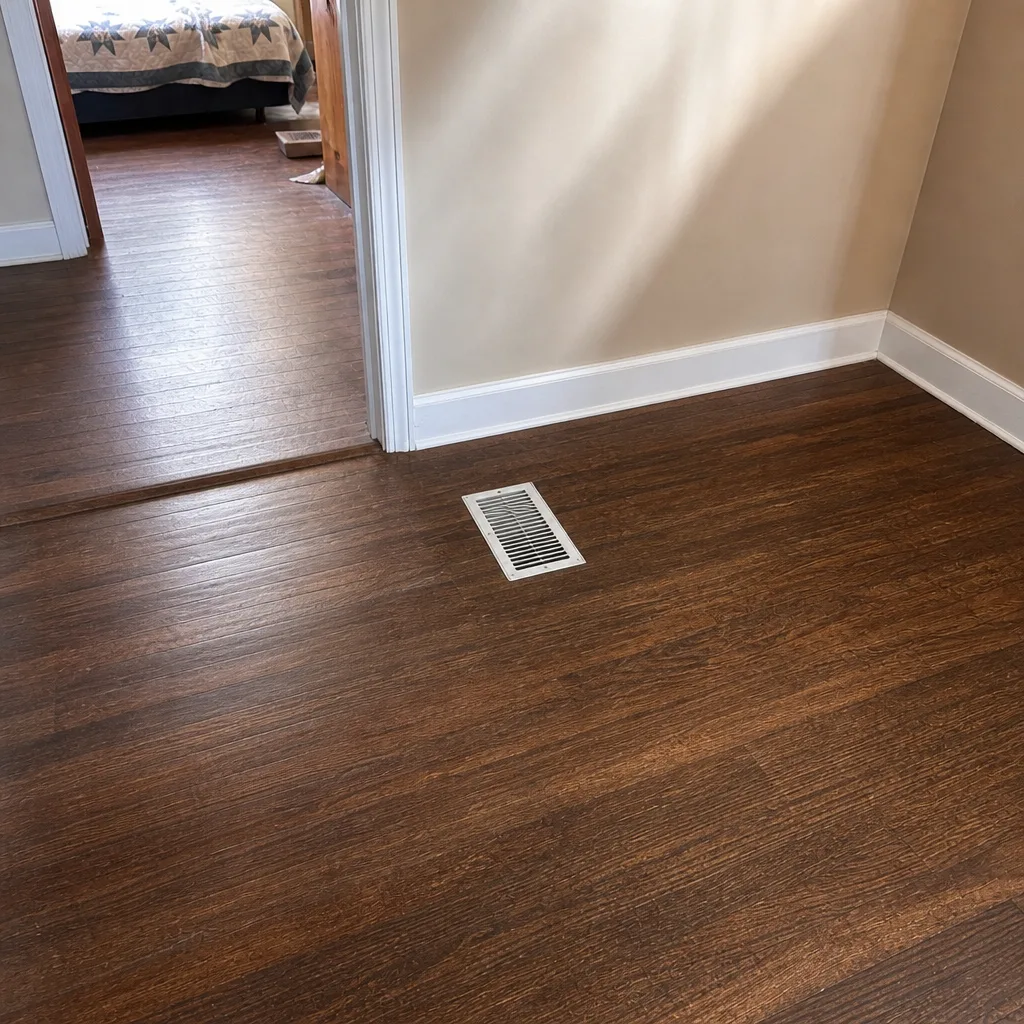
Whole-system duct and dryer vent check with before-and-after photos - you see exactly what came out of your vents
That "$99 whole-house special" is a bait ad - the real number appears once they are in your hallway, or the "clean" is a shop-vac at the register. We photograph the inside of your ducts before and after instead.
Air Duct Cleaning Maintenance Checklist for Evansville Homeowners
The filter is the last line of defense, not the first. By the time a filter looks dirty enough to swap, the return plenum behind it may have been collecting debris for months. That’s the part most checklists get wrong: they start with the filter and stop there, which tells you almost nothing about what’s actually happening inside the system. What you need is a simple inspection routine you do yourself, logging three things over time, so you can spot a pattern before airflow, smell, or noise gets bad. This guide gives you a time-stamped checklist built specifically for Evansville homes, with observable cues that predict when professional cleaning is genuinely due.
Quick Answer
Run a filter check monthly, a register-and-airflow check quarterly, and a full inspection with documentation once a year. Chart three signals over time, not one: filter loading speed, smell at the registers, and blower sound. When two or more of those shift at the same time, that’s your cue to book professional air duct cleaning. In Evansville, add extra checks after tornado-watch wind events, after any flood-related humidity spike, and during the spring pollen peak, because each one loads the system differently.
Styles & brands we work with
- Whole-home duct cleaning
- Dryer vent cleaning
- Camera inspection
- Sanitizing & deodorizing
Table of Contents
- Why a Duct Checklist Should Track Patterns, Not Just Filter Changes
- Monthly: The Three-Signal Filter Log
- Quarterly: Registers, Airflow, and the Flashlight Check
- Annually: A Full Walk-Through and a Written Record
- Checklist Items Built Around Evansville Conditions
- Reading What a Flashlight Shows You Inside a Register
- How to Document Findings So Cleaning Stays Targeted
- Common Mistakes to Avoid
- When to Call a Professional
- Frequently Asked Questions
Why a Duct Checklist Should Track Patterns, Not Just Filter Changes
A clean filter doesn’t prove clean ducts. It only means the filter is doing its job of catching what reaches it. Debris collects in two places before the filter even sees it: the return plenum between your living space and the filter slot, and the lower side of horizontal runs where heavier particles drop out of the airstream. Change the filter faithfully every month and you can still have a system that’s loaded up behind the grille.
The better approach is tracking. A single dirty filter tells you almost nothing. A filter that used to last four weeks and now loads up in two is telling you something changed upstream. Do you know what changed? That’s why this checklist asks you to log, not just look. Three signals, recorded over a season, form a pattern. A pattern predicts cleaning intervals better than any single observation can.
Here is how the three signals work together:
- Filter loading speed. How many days between install and a visibly loaded filter. Same filter brand, same MERV rating, same household. Only the interval matters.
- Register smell. Rate it on a simple scale from neutral to faint to definitely musty. Smell is the earliest sign of organic buildup or trapped moisture.
- Blower sound and airflow. Note whether the same registers feel the same at the same thermostat setting. A drop in airflow at one vent with no change elsewhere is a specific clue.
When two or three signals move at the same time, that’s your prompt to call a specialist. Until then, you’re gathering evidence, not guessing. We’ve seen how much difference this makes in our work around Evansville, where homes tend to run the furnace and air conditioner through long seasons and system load shifts more than people expect. Our technicians have up to 14 years of experience reading exactly these signals, and the patterns homeowners track are often what point us to the right part of the system first.
Monthly: The Three-Signal Filter Log
Every month, spend ten minutes on these three observations and write them down. A notebook on the fridge works. A note app on your phone works. The point is that the record exists, because memory is a terrible record-keeper.
- Note today’s date and the filter install date. Same filter brand and MERV rating every cycle. If you switch to a higher MERV, start a new line, because loading speed isn’t comparable across ratings.
- Photograph the old filter in good light. Lay it flat, shoot it straight down. Dirt patterns show up that your eye skips when you’re crouched in front of the return.
- Smell the return grille, not the supply vents. Lean close and breathe in. Rate it: neutral, faint, or musty. Musty gets noted in bold.
- Stand at the return with the system running. Listen for the blower. Same background roar as last month, or does it now carry a new hum or a rattle?
- Feel the airflow at two registers with your palm. Pick one register near the air handler and one at the farthest end of the house. Hold your hand there for a count of five and note strong, medium, or weak. Use the same two registers every month.
- Write one sentence of context. “Dog shedding heavily.” “Two weeks of pollen on the porch.” “Basement was damp after storms.” This is the month-to-month noise you’ll need later to explain a change.
The log lives through the season. In Evansville duct cleaning work, we can usually tell within a minute whether a homeowner has been tracking their system, because they can point to the part of the system that changed and when. What you gain from the log is not busywork. It’s the difference between a vague “the air feels off” and a documented “filter loading interval dropped from 28 days to 14 days starting the third week of April.” That kind of record lets a specialist target the cleaning scope instead of defaulting to a whole-system job.
Quarterly: Registers, Airflow, and the Flashlight Check
Once a quarter, take the extra hour. The quarterly pass is about looking into the system rather than at its exterior, and it’s where most early problems get caught.
- Remove one supply register in the center of the house and one at the farthest end. Use a screwdriver and set the screws in a cup so they don’t wander off.
- Shine a flashlight up the duct toward the trunk. Keep your face back from the opening. Look at the visible duct interior: the metal skin, the galvanized seams, the first few feet of straight run. Note what you see.
- Rate the buildup on a 1-to-4 scale. One: clean metal, like new. Two: light dust film, metal still visible under it. Three: dust accumulation that hides the metal color. Four: visible debris, felt texture, or streaking.
- Snap one flash photo of each register opening. The camera catches what the eye smooths over. In four quarters you’ll have a real visual timeline.
- Test airflow at every register using the palm test. Note any register that feels weaker than the others. A single weak vent with strong airflow elsewhere is a sign of a specific clogged branch or a bad damper setting, not a whole-system problem.
- Check the blower compartment door and the return filter frame for gaps. A poorly seated filter lets unfiltered air bypass straight into the system. Bypass is invisible in airflow and brutal on the plenum.
For homeowners who’ve had the system for years, this is also the quarter to confirm the filter frame isn’t warped or gapping. Old return frames bend over time, and a frame that doesn’t sit tight against the filter medium lets air slip past it. We see this commonly in air duct cleaning work. If your filter looks loaded but your registers look clean, that’s the giveaway: the debris is bypassing the filter, and the pleats aren’t doing anything.
Annually: A Full Walk-Through and a Written Record
Once a year, do a full pass over the entire system and write a one-page summary. This is what you’ll hand to a contractor or keep in the file if you sell the house.
- Walk every register in the home. Every room, every floor, every closet grille. Even the ones behind furniture you never think about. Note any register that’s blocked by furniture, a rug, or a heavy drape.
- Inspect accessible duct runs in the basement, attic, or crawlspace. Look for disconnected elbows, crushed flexible duct, or sections hanging loose from hangers. Visual only; don’t move or disconnect anything.
- Review the whole year’s filter log. Is your loading interval steady, or has it dropped? A steady interval points to a clear system. A falling interval points to source loading.
- Review the quarterly photos. Flip through the four register photos side by side. The trend is what matters, not the snapshot.
- Check the blower for noise and vibration. Wobble or a new hum is worth noting for the next professional inspection. Don’t open the blower compartment if it holds any electrical connections.
- Note any whole-home air-quality equipment. If your system includes a Honeywell or Aprilaire filtration component, record the model name and the date of its last service. Room to coordinate that equipment with a duct cleaning is a real advantage, and contractors need the model number to put the right gear to work.
- Write the one-page summary. Date, filter intervals over the year, register buildup ratings, any weak registers, any equipment notes. Sign and date it.
An annual written record is more useful than most homeowners realize. When you call a specialist, that one page tells them more than an hour of verbal description could. It’s also the best argument against whole-system defaults, because it directs the cleaning scope to the branch or plenum that’s actually loading up.
Checklist Items Built Around Evansville Conditions
Evansville sits in a river valley with a climate that stresses duct systems in distinct seasonal patterns. The checklist above is universal; these are the local additions worth adding to your log, because each one flags a particular type of loading.
Post-Tornado Debris Infiltration
Evansville has had tornado events and high-wind storms, and each one brings a pulse of debris into the air. Aerial debris doesn’t just land on the roof; it loads the return side of the system through any outdoor-air intake and through the filter. Right after a wind event or a period of tornado watches:
- Change the filter early, even if the loading interval isn’t up. Write it in the log as a storm entry.
- Run a flashlight check of the return plenum behind the filter, not just the filter itself.
- Note the smell at the return grille, because storm-pushed organic debris can produce a musty note from the first day.
- Document the storm date and the filter change date, so if the pattern shifts later you know why.
Post-Flood Humidity Spikes
River flooding and heavy rain events can push indoor humidity up fast, and the duct system becomes a place where moisture lingers in the lower side of runs and on rough interior surfaces. If your home saw flooding or a period of unusually high indoor humidity:
- Log the humidity event the same way you’d log a storm: date, duration, and any visible condensation on the ducts in the basement.
- Watch closely for musty smell at the registers for four to six weeks afterward. That’s the window where moisture concerns usually surface.
- If the musty smell persists even after a filter change, book an inspection. The drywall and the framing might be fine while the duct interior is still damp.
- If a specialist finds microbial growth inside the duct interior, ask about Guardsman-certified treatment. It’s specifically applicable to that concern.
Spring Pollen Peak
Evansville gets a real spring pollen peak. Tree pollen loads the outdoor-air side and the return side of the system in a matter of weeks, so the loading interval can drop sharply even with a clean system behind it. During the peak:
- Shorten the filter interval to match. If your steady interval is four weeks and the peak pushes it to two, change the filter every two weeks until the peak passes.
- Keep windows closed during peak pollen days, especially on windy days.
- Log a pollen entry alongside the filter dates, so the pattern later reads correctly rather than getting mistaken for a duct problem.
These are the times the checklist earns its keep. Without the local entries in the log, seasonal changes look like duct failures. With them, they read as ordinary seasonal loading, and the cleaning recall follows the actual contamination and not the weather.
Reading What a Flashlight Shows You Inside a Register
Most homeowners point a flashlight into a register, see dust, and can’t tell whether it’s normal or a problem. It helps to know that dust buildup comes in different textures, and the texture is the tell.
- Gray felt-like buildup. Soft, thick, slightly fuzzy. Usually organic in origin, and it often corresponds with a musty smell on the same register. This is one of the more reliable signals that the system has been holding moisture and lint for a while.
- Black streaking. Dark lines along seams or the length of the run, as though soot has been dragged along. Truck and industrial soot, and in older homes the discharge from a previous furnace, can leave this signature. It’s a different problem from felt buildup and calls for different containment during cleaning.
- Uniform light dust film. Metal is still visible under the film, and it scratches clean under a fingernail. This is often within the range of normal for a system that hasn’t been cleaned in years, and it often stays in that range if filters are kept in good order.
- Debris accumulation at the bottom of the run. Small chunks, flakes, or visible grit sitting on the lower side of horizontal duct. This is heavier material that has dropped out of the airstream. Weight of this kind loads up the plenum and the branch runs.
- Visible water or dampness. Any condensation, beading, or damp interior surface is the one item that shouldn’t wait. Book an inspection.
The right cleaning scope depends on the texture. A system with black streaking along the trunk needs a different containment approach than a system with uniform dust film. When we’re working in Evansville, we bring Abatement Technologies containment and HEPA gear for the situations that call for remediation-grade work, and we bring Rotobrush or Nikro systems for the standard runs. Matching the tool to the job is the whole point of the visual check you’ve been doing.
How to Document Findings So Cleaning Stays Targeted
After two or three seasons of the checklist above, you have a record. The way you organize it determines whether it guides a targeted cleaning or gets ignored in favor of a default whole-system quote.
- Put everything on one page. A timeline laid out by month. Filter install date, change date, interval. Register buildup rating for the two registers you’ve been checking. Smell rating. Blower noise note. Seasonal context (storm, flood, pollen).
- Highlight the months where two or more signals moved. Those are the months with actual information. Circle them. That’s the shortlist a contractor wants to see.
- Label the weak registers. If one vent has been weak all year and the others are strong, that’s a branch-specific problem and it should be called out separately from the rest of the system.
- Include the quarterly photos. Print them small or pull them up on a phone when the estimator arrives. The visual change across quarters tells them more than any verbal description.
- Note any air-quality equipment by model. Honeywell and Aprilaire filtration components have specific service needs. The model number tells the contractor how to coordinate the ductwork cleaning with the existing hardware.
- Hand the page to the contractor at the start of the visit. Not at the end. The log is a starting point, not a closing argument.
A contractor who’s reading a well-organized log can walk through and confirm the scope in ten minutes, whereas a contractor working from memory of a phone call defaults to the whole system. When you get a written estimate, ask for it to specify which runs, branches, or plenums are included, and check that the highlighted months in your log are reflected in the scope. That’s what keeps cleaning targeted rather than by default.
One more note on documentation: photograph the ducts before and after any cleaning. A contractor who takes before-and-after photos of a customer’s own ducts is showing the work was done, which is the single most useful piece of evidence to have on file. Ask for them.
Common Mistakes to Avoid
- Treating a filter change as evidence of a clean system. Filter condition tells you what the filter has caught. It says nothing about the return plenum or the branch runs. Keep the filter log, but always pair it with the quarterly flashlight check.
- Switching filter MERV ratings mid-log. A higher MERV rating loads up faster than a lower one, and the comparison becomes meaningless if the ratings aren’t consistent. Pick a rating and stay with it, or start a fresh line each time you change.
- Skipping the return grille when rating smell. The supply side pushes air out. The return side pulls air in, which means organic buildup tends to concentrate there first. If you only smell the supply vents, you’ll miss the earliest signal.
- Ignoring post-storm and post-flood weeks. In Evansville, a single storm or a few days of high humidity can shift your loading interval by a week. If you don’t log the event, you’ll misread the shift as a duct problem and can spend time and money chasing the wrong cause.
- Cleaning the whole system by default instead of documenting first. Without a log, every cleaning estimate drifts toward “whole-system,” even when the loading is clearly concentrated in the plenum or in one branch. Document, then scope.
- Assuming the duct is clean because the register is clean. Registers catch the eye because you can see them. The interior of the branch and the elbow elbows behind them are where the buildup actually lives. The flashlight check goes past the register face for a reason.
- Trusting an after-visit verbal description instead of before-and-after photos of your own ducts. If the work wasn’t photographed, it’s harder to verify. Ask for the photos.
When to Call a Professional
Three scenarios justify calling a specialist. First, two or more of your tracked signals shift at once and stay shifted for more than a month, because that’s a loading pattern rather than a seasonal blip. Second, quarterly flashlight checks show gray felt-like buildup or black streaking on two or more registers, because those textures need a specific cleaning approach and containment. Third, you’ve had a flood or humidity event inside the home and a musty smell at the registers persists after a filter change.
Two other triggers are worth naming. Persistent unexplained allergy symptoms in a home with a documented loading pattern usually warrant an inspection, in part because the dryer vent cleaning side of the house can also be a source of moisture and lint loading that gets blamed on the ducts. A homeowner planning a renovation or a move-in should also book before the first seasonal cycle, so the log starts with a clean baseline. Evansville Duct Cleaning offers free estimates in Evansville. Call (833) 725-5641 to book an inspection based on your log rather than on a generic whole-system default.
Frequently Asked Questions
There’s no single universal interval; it depends on the system and the household. The consistent pattern in our experience is a cleaning interval of roughly three to five years for a home with a steady loading pattern and no flood or storm events, and shorter intervals for homes with pets, recent renovations, or a known humidity event. The point of the checklist in this guide is to replace that generalized interval with your own – track the signals for a season and let the actual loading dictate the schedule. Call (833) 725-5641 for an estimate based on your documented pattern; estimates are free.
We price per job by written estimate, agreed before work starts, rather than per vent or by a teaser coupon price. A whole-system cleaning for a typical Evansville single-family home runs to a multi-range depending on the number of runs, the accessibility of the system, and whether containment-level work is needed for a system with streaking or felt buildup. The written estimate sets the final price. Call (833) 725-5641 for an exact quote; estimates are free.
Low quotes usually mean less work. A shop-vac-and-hose visit looks fast and tidy from the register but leaves the plenum, the branch interiors, and the elbow debris untouched. Quotes that include containment-level equipment, professional-grade rotating systems like Rotobrush and Nikro, and an in-house repair option for any damage discovered during cleaning reflect a broader scope of work. That’s the difference in what you’re paying for, not just a difference in price. Call (833) 725-5641 for a quote that specifies what’s actually included.
Ask for before-and-after photos of your own ducts. Photos taken during the cleaning are the most useful evidence that the work was completed to the scope in the estimate, and a contractor who takes them is showing confidence in the result. A written estimate that specifies the runs and branches cleaned, paired with photos taken during the visit, gives you a verifiable record. Call (833) 725-5641 to schedule an inspection with a written scope.
They point to different contamination sources. Gray felt-like buildup is usually organic and often corresponds with a musty smell at the same register. Black streaking tends to be soot or combustion residue, and it applies particularly to homes with an older furnace history. The distinction matters because it changes which equipment and containment approach makes sense on the visit. If you’re seeing both in different parts of the system, note which registers show which texture and mention it when you call. Call (833) 725-5641 for an estimate.
Not automatically; the log decides. After a tornado-watch wind event, change the filter and check the return plenum, then watch the next two filter intervals. After a flood or humidity event, watch smell for four to six weeks. If the log shows a clear shift in two or more signals that doesn’t resolve, then cleaning is warranted. If the log stays steady, an inspection can confirm the system is fine. Call (833) 725-5641 to book an inspection if you need to confirm. Estimates are free.
The Bottom Line
Track three signals – filter loading interval, register smell, and blower sound – and pair them with a quarterly flashlight check inside the registers. Add seasonal entries for tornado-watch wind events, flood-related humidity spikes, and the spring pollen peak. Keep the log on one page and photograph the ducts before and after any professional work. Two or more signals shifting at once means it’s time to book. One shifted signal means note it and keep watching. That’s the whole checklist. It rewards the homeowner who observes over the one who guesses, and it turns a vague “the air feels off” into a document that guides a targeted scope.
Focused on the Equipment, Not the Ticket
Our focus is narrow by design: air duct cleaning, dryer vent cleaning, and air duct repair. No upsell sprawl. We bring professional-grade equipment, not a shop vac and a hose, and we match the tool to the system – Rotobrush and Nikro rotating systems for the standard runs, Abatement Technologies containment and HEPA gear for the situations that call for remediation-level care. Our technicians have up to 14 years of experience reading exactly the signals this checklist teaches you to track. We work with the brands your HVAC system already trusts, including Honeywell and Aprilaire whole-home filtration setups, and we offer Guardsman-certified treatment for microbial concerns. Because we handle duct repair in-house, anything we find during cleaning can be addressed without a second call. Free estimates on every job. Call (833) 725-5641. We answer 24/7. Fast dispatch from 7am to 7pm, Sunday through Friday, closed Saturday. Call (833) 725-5641 and put the checklist to work.
Written by the team at Evansville Duct Cleaning.
See the difference
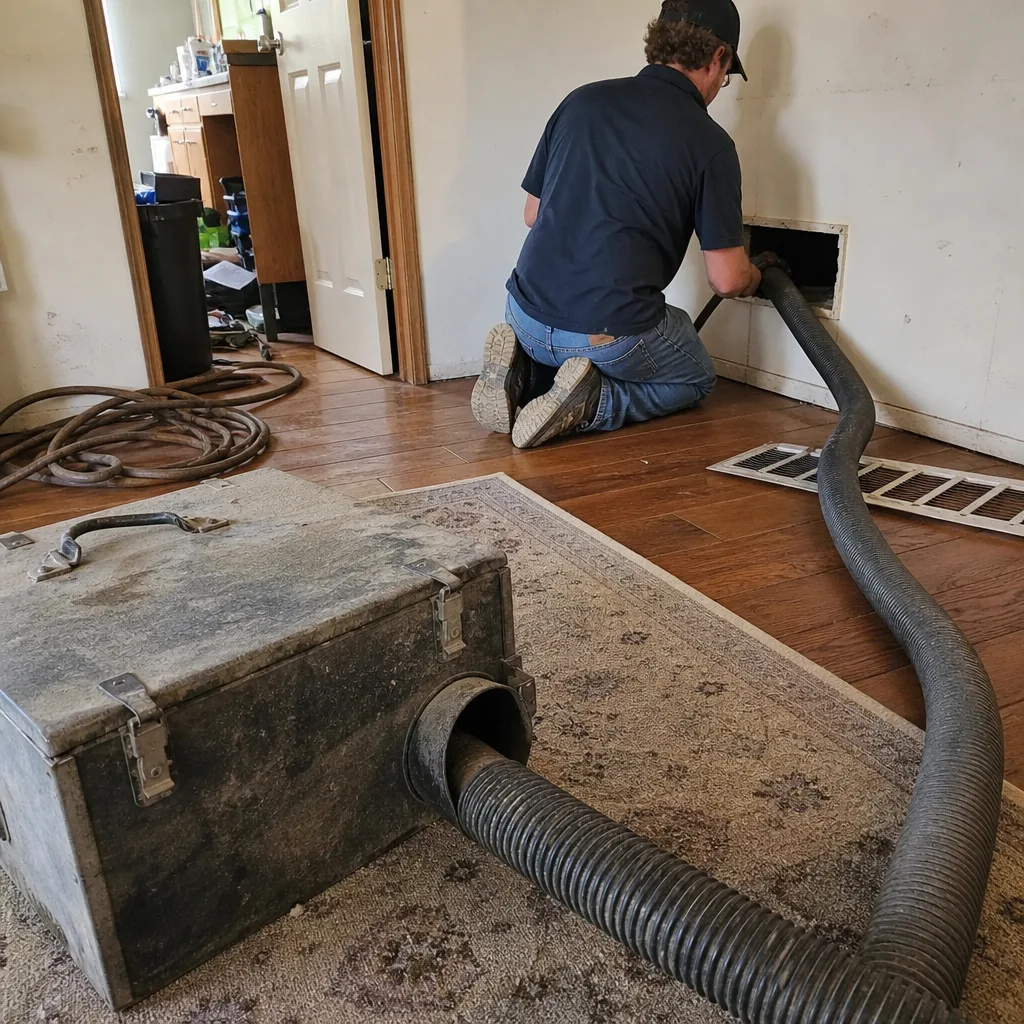 Before
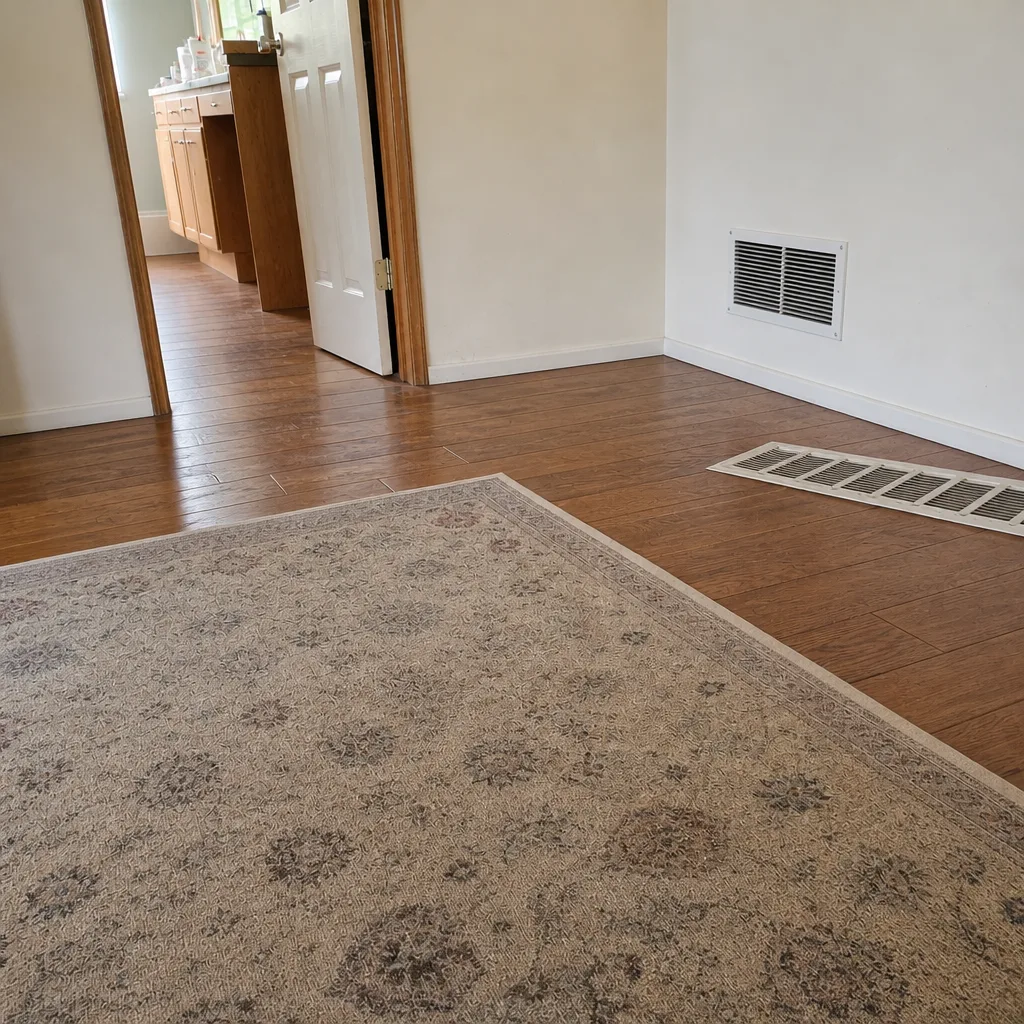 After
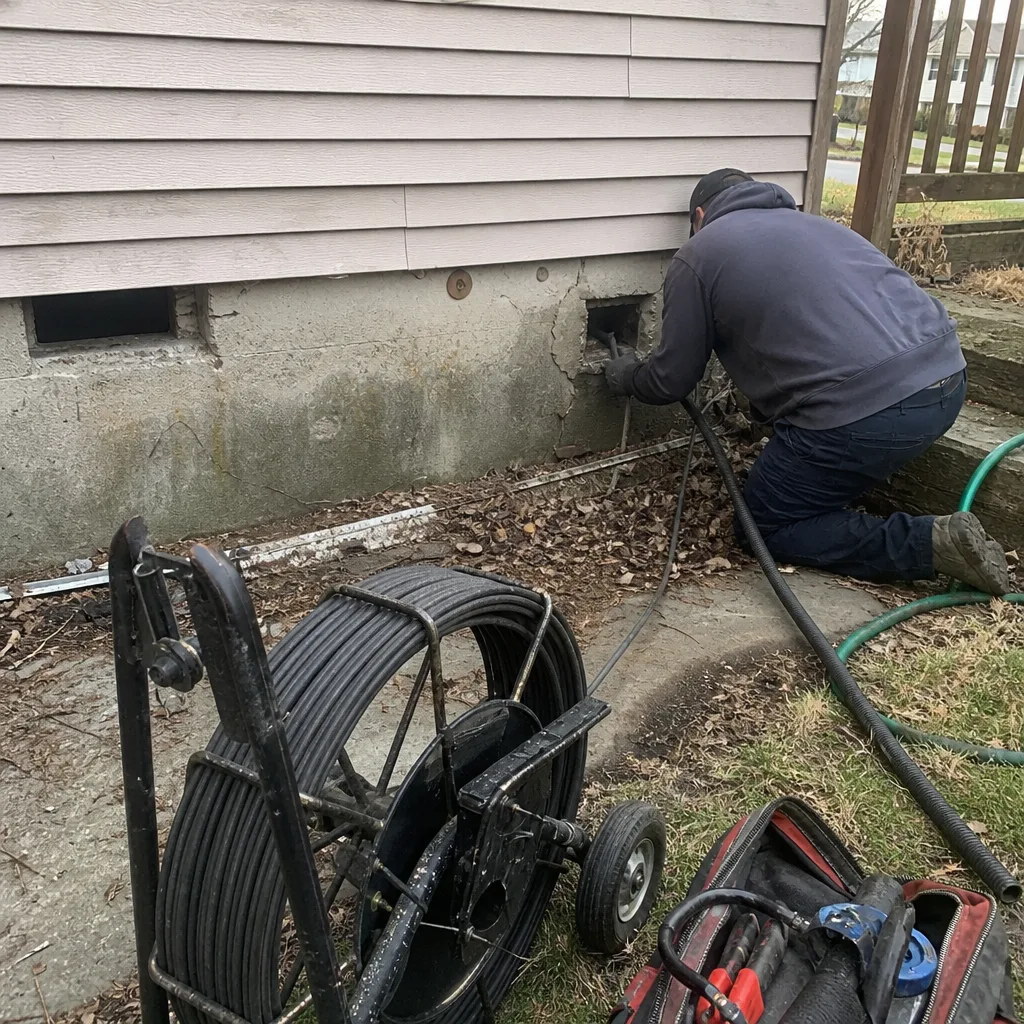 Before
 After
 Before
 After